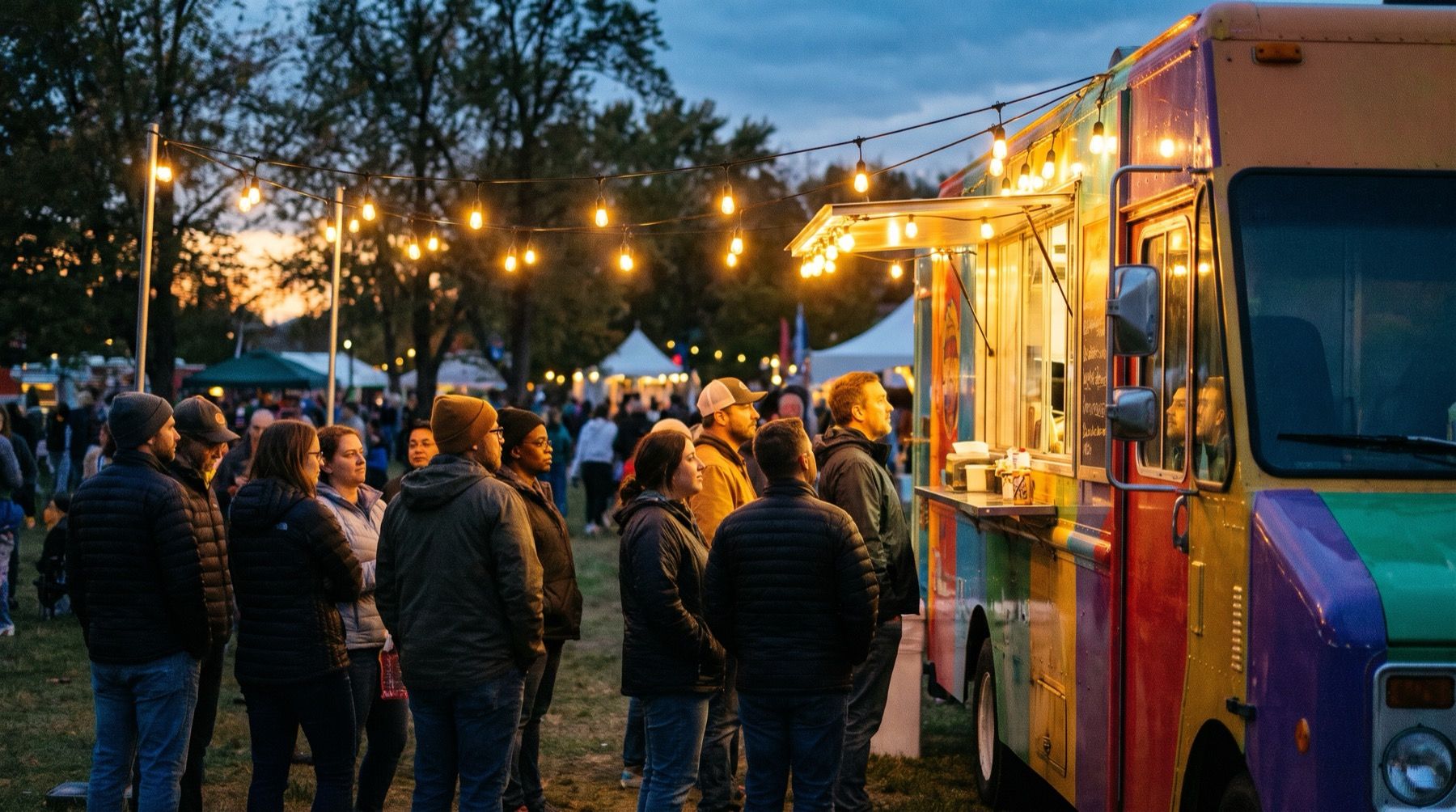
In bright sunlight, customers need to read the dishes and prices before reaching the window. Choose food truck menu board ideas for that view, whether you use print, chalk or a suitable screen.
Software adds another buying condition. Yodeck’s compatibility table says its apps do not all run on every player type. Choose the actual menu workflow before buying a box for the truck.
Place the menu where the queue can read it
Find where people first see the truck, where they queue and where they order. Put the main menu where they can read it before reaching the window. Keep collection instructions separate if the two queues meet.
Use a few clear categories. If you sell pizza by the slice and whole, give each price an obvious label. If one size applies to every item, state it once where it cannot be missed.
Avoid hiding the core menu in a rotating sequence. Someone arriving halfway through a slideshow should not need to wait for it to return before deciding what to eat.
| Menu idea | Where it fits | What to watch |
|---|---|---|
| Large printed core menu | Stable range at changing pitches | Replace old prices promptly |
| Small chalk specials board | A few daily extras | Lettering, smudging and visibility |
| Changeable sold-out markers | Limited batches | Mark every affected dish |
| Screen beside the ordering window | Suitable sheltered installation | Light, power, temperature and mounting |
| Printed core plus screen specials | A mix of stable and timed content | Keep overlapping information consistent |
Design the short version first
Start with what is available for the service. Give each item a name, a checked price and enough description to distinguish it. Put optional extras together so a customer can understand the total.
If the design feels crowded, cut material that does not help someone order before shrinking the type. A supplier story may belong on a side panel. The menu needs to help the next person order lunch.
Try the menu templates and use the font-size guide to test the view from your queue.
The display must suit the light, heat and mounting conditions
Ask about the display’s intended environment, brightness, operating temperatures, moisture protection and mounting restrictions. Check the actual model documentation with the supplier or installer. A canopy does not turn indoor equipment into an outdoor-rated installation.
Try the display at your service time and viewing angle. Reflections change between pitches.
Keep equipment clear of cooking heat, splash and customer contact. Have power, cables and mounting assessed for the setup. The marketing name of a player does not establish that the whole installation is suitable.
Test the content on the exact player
Software support also varies within a vendor’s range. Yodeck’s app compatibility documentation warns:
Not every Yodeck app runs on every player type.
Check the actual content route you intend to use, whether that is an uploaded image or a connected app. If you already use Yodeck successfully, keep that setup while you improve the menu design.
Kinosign makes a competing product, so weigh our view with that in mind. Its screen service is pre-launch. Fire TV, Android TV and a web player are its launch targets, with model verification pending. The device guide helps you check the player; assess the outdoor installation separately.
Plan for power and a lost connection
At the pitch, restart the player with and without internet. Confirm it can still show the approved menu.
Keep a printed menu with current prices ready. If your TV or connection fails, staff should be able to put current prices in front of the queue. Do not make a QR code the only way to discover what lunch costs.
Keep the editable menu accessible to the person working the shift.
Make sold-out changes part of service
Decide who can mark a dish unavailable and who checks the result. If you remove a main ingredient, check every dish that uses it. Add an approved alternative beside the remaining choices if it helps people order.
Our sold-out guide gives a manual workflow. At a food truck, a clear physical marker can be the fastest backup while a disconnected screen waits for a correction.
Import your service-menu PDF into the free menu maker, check the items, and compare the result with your printed board from the queue at your next pitch.
Sources
Vendor prices and plans were checked against each linked page in November 2026. They change often, so open the page before you buy.